From Core Dumps to Cursor
The earliest debugging was forensic. A program ran, failed, and left behind whatever trace the operating system chose to preserve — a core dump, a register snapshot, a printout of memory in hexadecimal columns. The developer stood outside the program, examining evidence after the fact, constructing a theory of what had gone wrong. Print statements were inserted, the program was rebuilt and run again. Each iteration cost time proportional to the compile cycle, which on shared mainframes could mean hours.
Symbolic debuggers appeared before the personal computer, attached to high-end workstations and minicomputers, but they were separate tools. You compiled your program, loaded a debugger, and navigated between windows — or between sessions — to correlate source lines with what the machine was actually doing. The source and the running state were never truly in the same place.
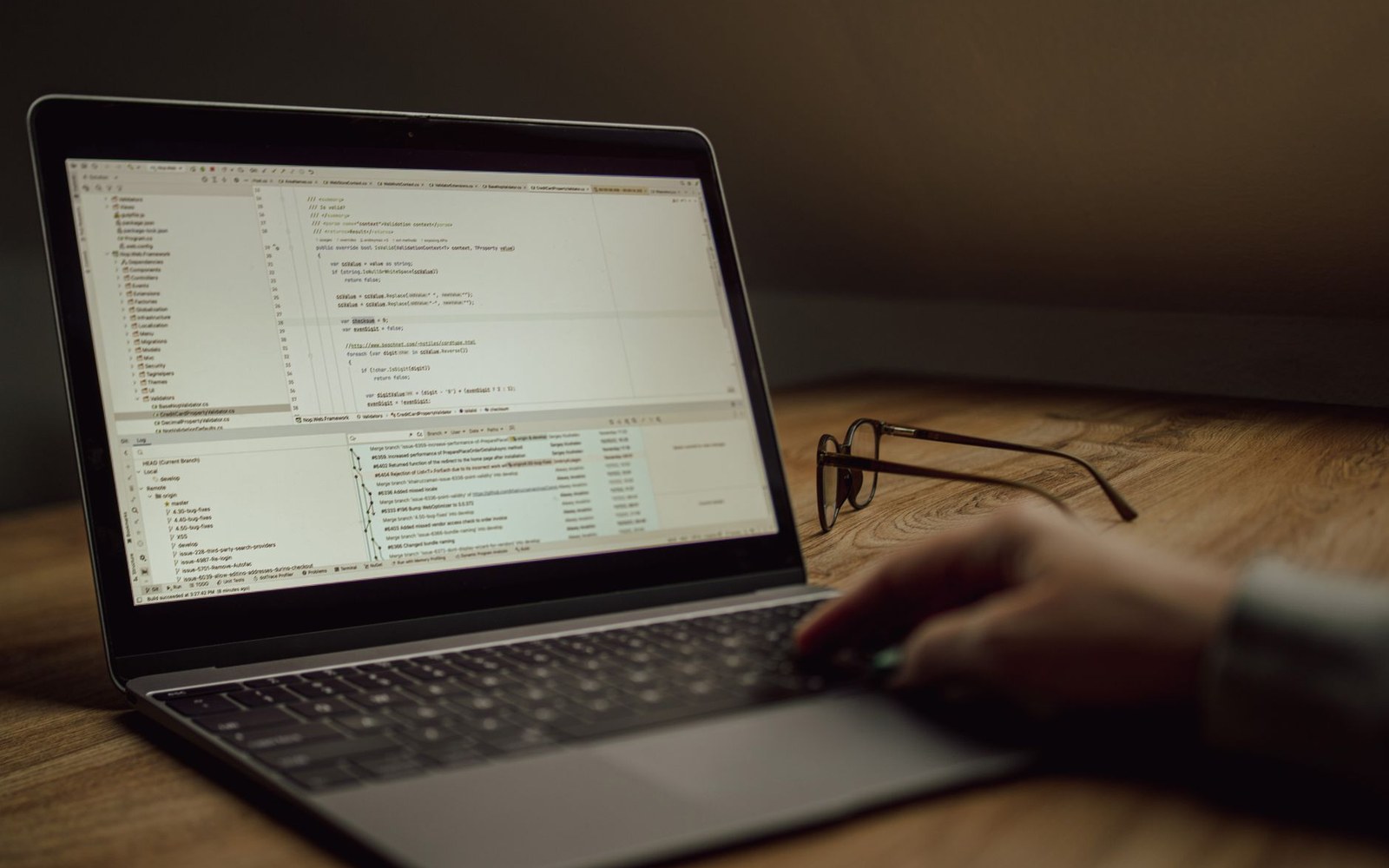
The breakpoint, as an idea, predates software entirely. Early computers used hardware sense switches and panel lights to halt and inspect execution; IBM mainframes in the 1960s supported trap instructions that transferred control to a monitor. What these systems could not do was place a halt at a named line of source code and immediately show you the live values of your named variables. That required the source-level debugger, and it required the source-level debugger to live inside the editor.
The Line That Stopped the Machine
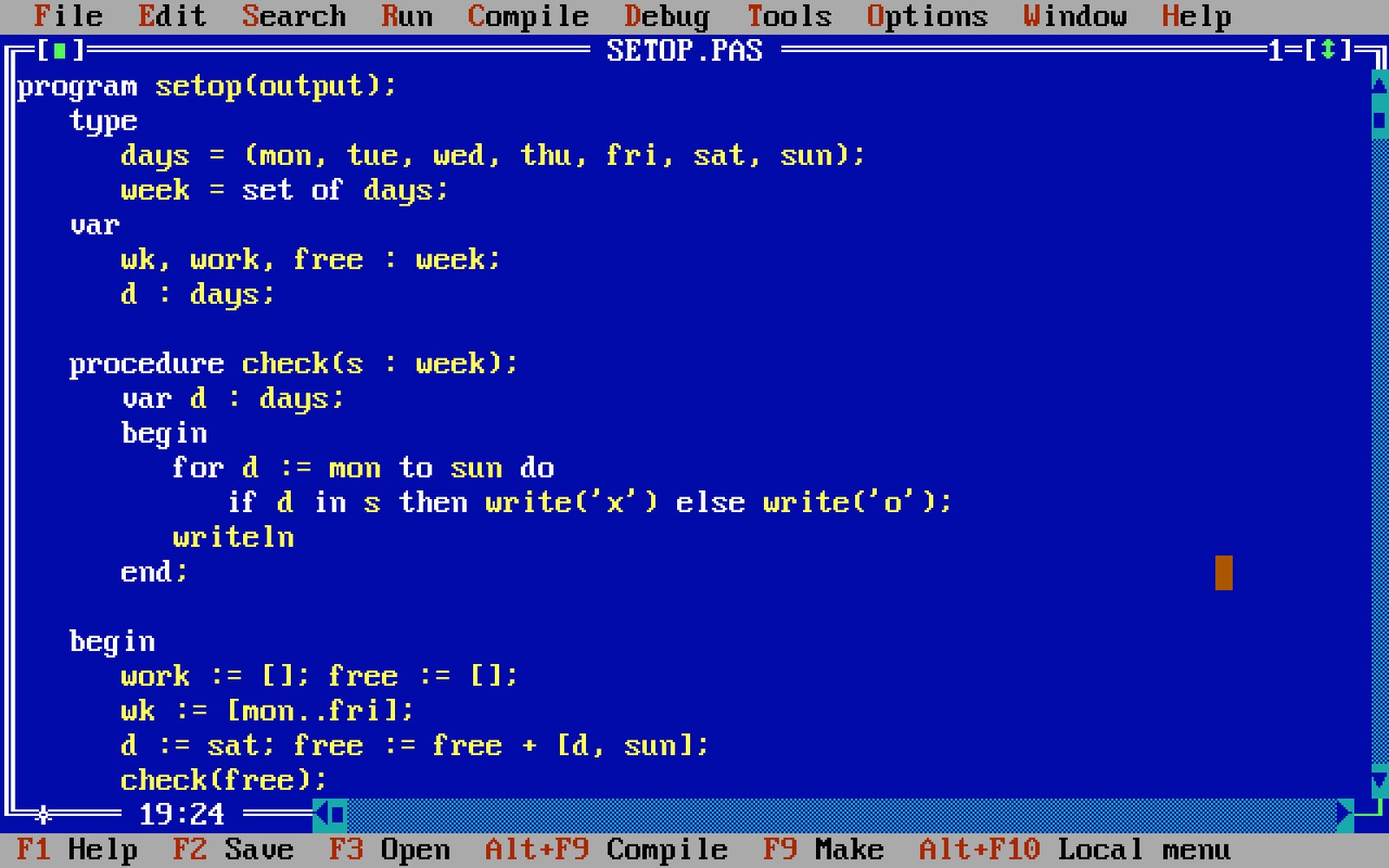
Borland's Turbo Pascal 5.0, released in 1988, brought a full integrated debugger to the mass PC market. The Turbo Pascal environment had always kept the editor, compiler, and runner together in one program — Anders Hejlsberg's single-pass compiler was fast enough that the cycle from edit to running program took seconds, not minutes — but version 5.0 added something qualitatively different: you could click on a source line, mark it, run the program, and the program would stop there, inside the editor, with the cursor on that exact line. A watch window appeared alongside, showing named variable values updating in real time as you stepped forward with a keypress.
This was not simply convenient. It changed the epistemology of debugging. Instead of forming a hypothesis, instrumenting the code, recompiling, and running to find out whether the hypothesis was right, you placed a breakpoint and watched the program prove or disprove you in a single run. The guess — the central act of print-statement debugging — was replaced by direct observation. Philippe Kahn's pricing philosophy at Borland had already put the IDE in front of developers who had never owned professional tools; the integrated debugger extended that democratisation into runtime inspection.
The watch window deserves particular attention. Displaying a live variable required the debugger to maintain a mapping between the program counter, the compiled symbol table, and the source text — a non-trivial engineering problem solved inside a product that retailed for under a hundred dollars. The developer selected a variable name in the source, added it to the watch list, and its current value was visible without writing a single extra line of code.
What Followed
Microsoft's Visual Studio, arriving through the 1990s in successive releases, extended the pattern. Conditional breakpoints — halt only when a variable meets a condition — became standard. The call stack pane showed not just where execution stood but how it had arrived there. Debuggers began to distinguish between stepping into a function and stepping over it, giving the developer fine-grained control over how far the program advanced before pausing again.
IntelliJ IDEA and later Visual Studio Code carried the integrated debugger into environments where the Language Server Protocol had already separated language intelligence from the editor; debuggers followed the same abstraction, with the Debug Adapter Protocol allowing a single debugger UI to front dozens of language-specific runtime backends.
The breakpoint is now so ordinary that it requires effort to remember what it replaced. It replaced the guess.